
🖼️
Image Watermark
Week 27
A fictional media website is able to determine with very high accuracy if an image was both uploaded to the site and if any image has been tampered with (e.g. as a form of DRM) - since it's a public site, you are able to upload as many images as you want here - images will automatically be downloaded after processing
You can assume the website must be modifying the image somehow when uploaded, but you don't have any idea how
Your ultimate goal would be to find all images on the Internet that were uploaded to this fictional site - hence why you need to figure out what exactly is occurring to the images when they are uploaded
To prove you have successfully reverse engineered and understood their process, you should apply the same processing they do to this bliss image and upload it below - if correct, you will pass this level
A reminder: if you are stuck, hints will be released after 24 hours, or you can join the Discord group at the bottom of the page to try and share ideas and solve the challenges collaboratively with others
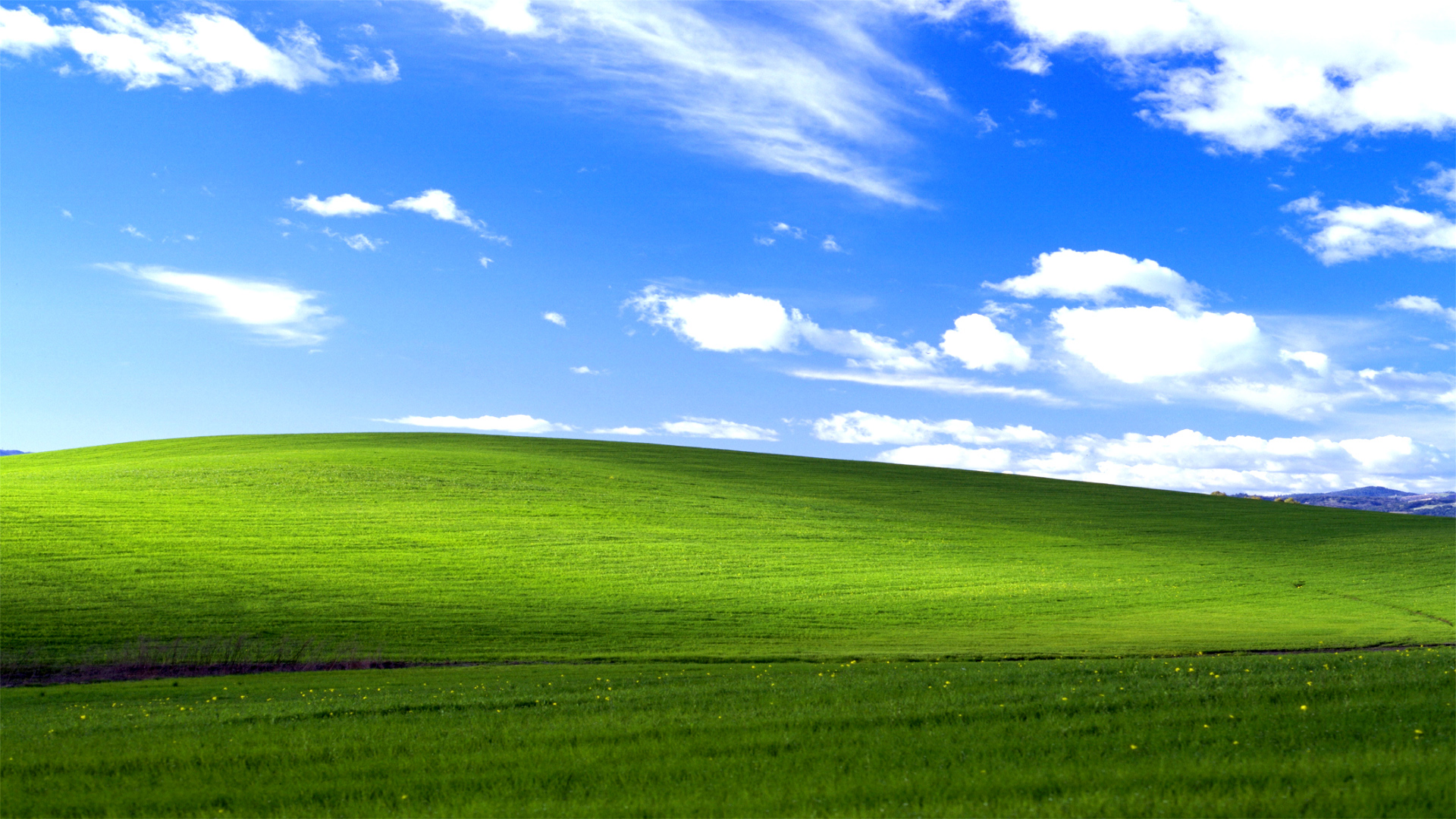
Click to upload or drag & drop image here...
Hints
Hints will be released at the start of each of the following days - e.g. the start of day 3 is 48 hours after the challenge starts
| Release Day | Hint |
|---|---|
| 2 | Uploading regular images will probably be too confusing to try and determine the exact changes - how about if you upload some pure black, pure white or some grey image? If every pixel value is the same, it should be easier to see which have changed, if any |
| 3 | Now try uploading some images of this that changed at different resolutions - e.g. 10x10, 20x20, 100x100 etc - how many pixel values change in each and what positions are they? |
| 4 | You might have noticed that it is always 100 pixels that change in the image (obviously if the image has less than 100 pixels, then it will be all pixels that change, though that is less than 100) - specifically, they start from 0 and are in equal gaps. For example, if the image has 400 pixels, you will notice the gap of modified pixels is 4, if the image has 1000 pixels, the gap of modified pixels is 10 etc |
| 5 | If using an image with all pixel values the same like #010101, then it might have been easier to notice that in the first pixel change, only the red value is modified, in the second change, only the green is modified, in the third, only the blue is modified etc - i.e. 4th red, 5th green, 6th blue and so on. Can you determine exactly how the pixels are changing (hint: modulus)? |
| 6 | If observant, you might have noticed the modified red pixel values have been rounded up to the nearest number divisible by 2, modified green values should be rounded up to be divisible by 3 and modified blue values should be divisible by 4. If the number is already divisible by the target, then nothing has to change - e.g. a red value of 46 wouldn't have to be rounded up to 48, since 46 is already divisible by 2. This logic should also handle wrap-around - i.e. rounding 255 to be divisible by 2 would wrap back around to 0 |
| 7 | Putting all this together, you should be able to create a program that can calculate the pixel positions to modify, determine the colour component to modify and calculating the new component value for that colour |